

Description
Download MP3 Music Download Super – mp3 music download, music streaming, free music player, download songs, online music player, music app
Overview
MP3 Music Download Super is a desktop application designed to help users search for and stream music from online sources. The software enables users to locate bands, musicians, and tracks, with the ability to both stream content and download songs for offline listening. It is intended for casual listeners who want a straightforward way to access music without the need for subscription-based services. The app is particularly suited for users seeking a free music player with minimal setup and immediate access to a wide range of artists.
While the software does not provide advanced library management features, it offers a basic interface for browsing and playing music. The target audience includes consumers looking for a simple, no-cost solution for listening to music on their Windows or Mac devices. The developer, MP3 Music Download Super, has not provided additional background on their organization or development history. Real-world usage scenarios include casual music consumption during work, study, or leisure time, where users want quick access to tracks without navigating complex platforms.
Despite its functionality, the application places significant emphasis on promoting other apps through in-app advertisements. This focus may affect the user experience, especially for those sensitive to intrusive marketing. The software does not support customizable streaming quality or download location preferences, which limits its utility for more discerning users. Additionally, music sorting appears to be inconsistent, presenting results in a manner that lacks clear organization.
Key Features & Capabilities
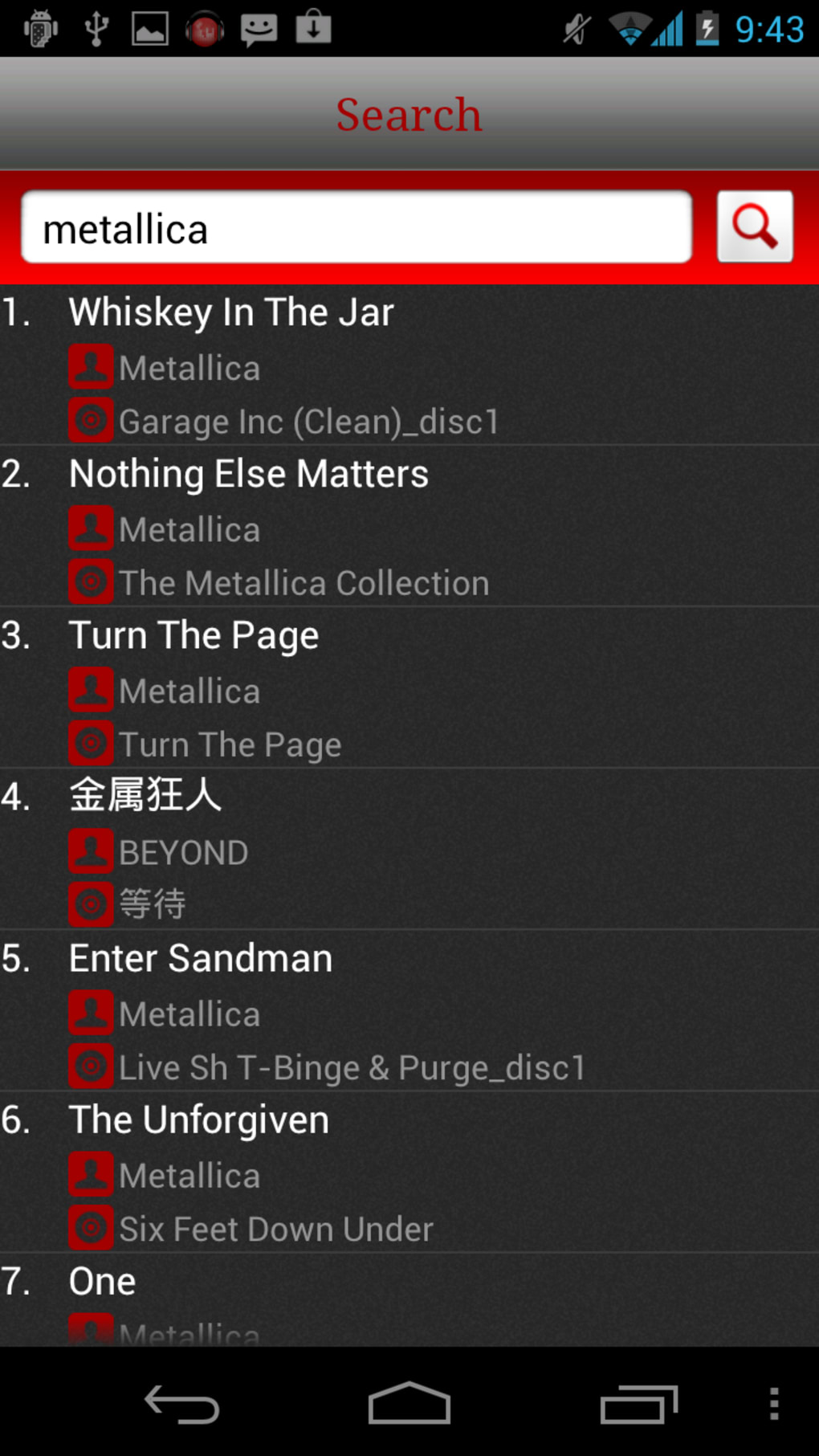
- Online Music Search – Allows users to search for artists, bands, and individual tracks across a wide database. This feature is useful for discovering music from known and popular musicians.
- Streaming Functionality – Enables real-time playback of songs directly from online sources without requiring local storage.
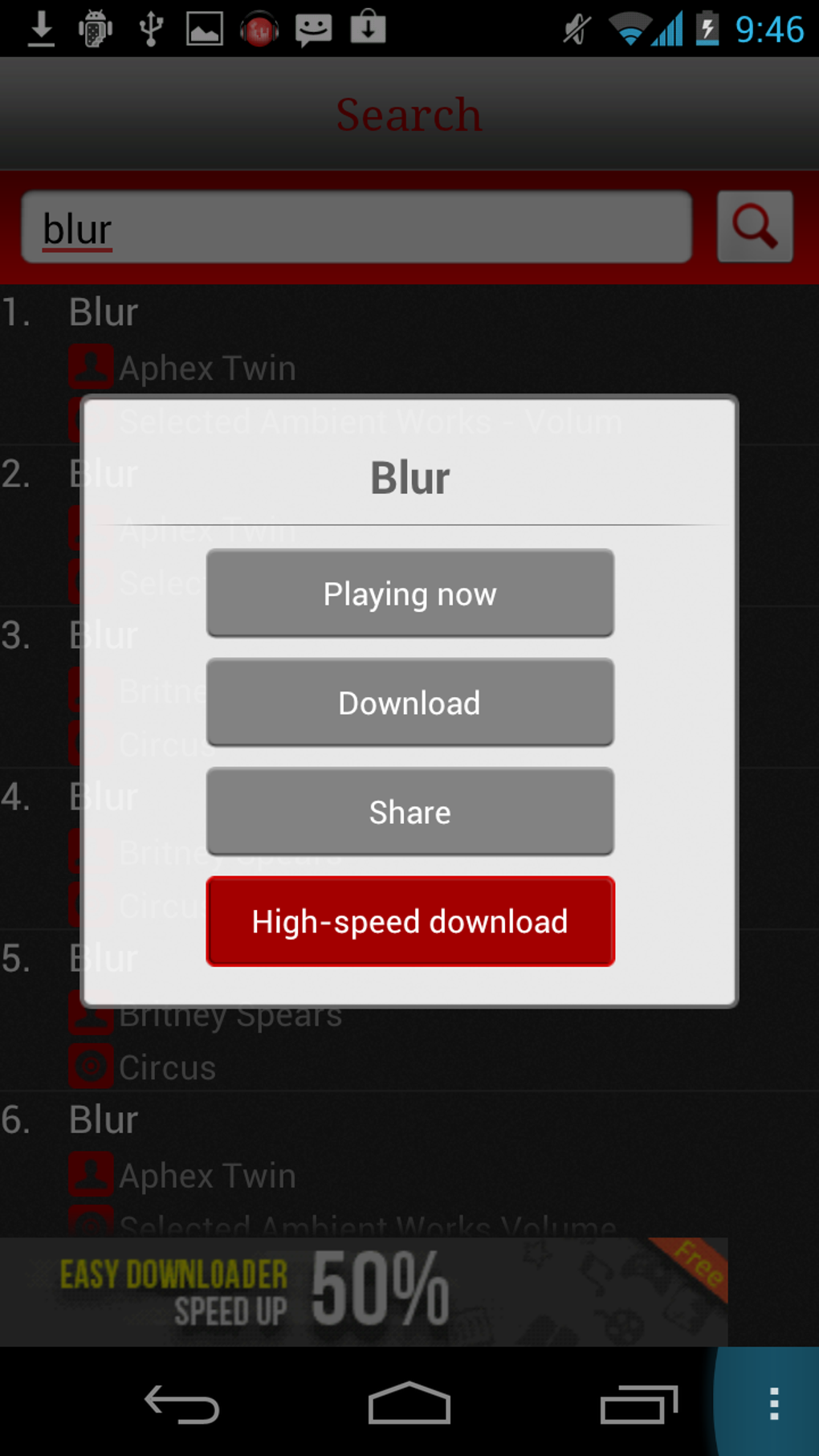
- Download Option – Users can save tracks locally for offline listening, making it suitable for environments with limited internet access.
- Simple Interface – Designed for ease of use, with minimal navigation complexity. Ideal for users unfamiliar with advanced music software.
- Multi-Platform Support – Available for both Windows and Mac operating systems, allowing broader accessibility across desktop environments.
These capabilities support basic music consumption needs, such as listening to favorite artists, discovering new songs, and saving tracks for later. However, the lack of advanced filtering, sorting mechanisms, or customizable playback settings limits the depth of user interaction. The search function can locate major bands effectively, though it may not cover lesser-known or international artists comprehensively. The application does not provide options to adjust audio quality or specify download directories, which may be a drawback for users seeking greater control over their music files.
User Interface, Workflow & Performance
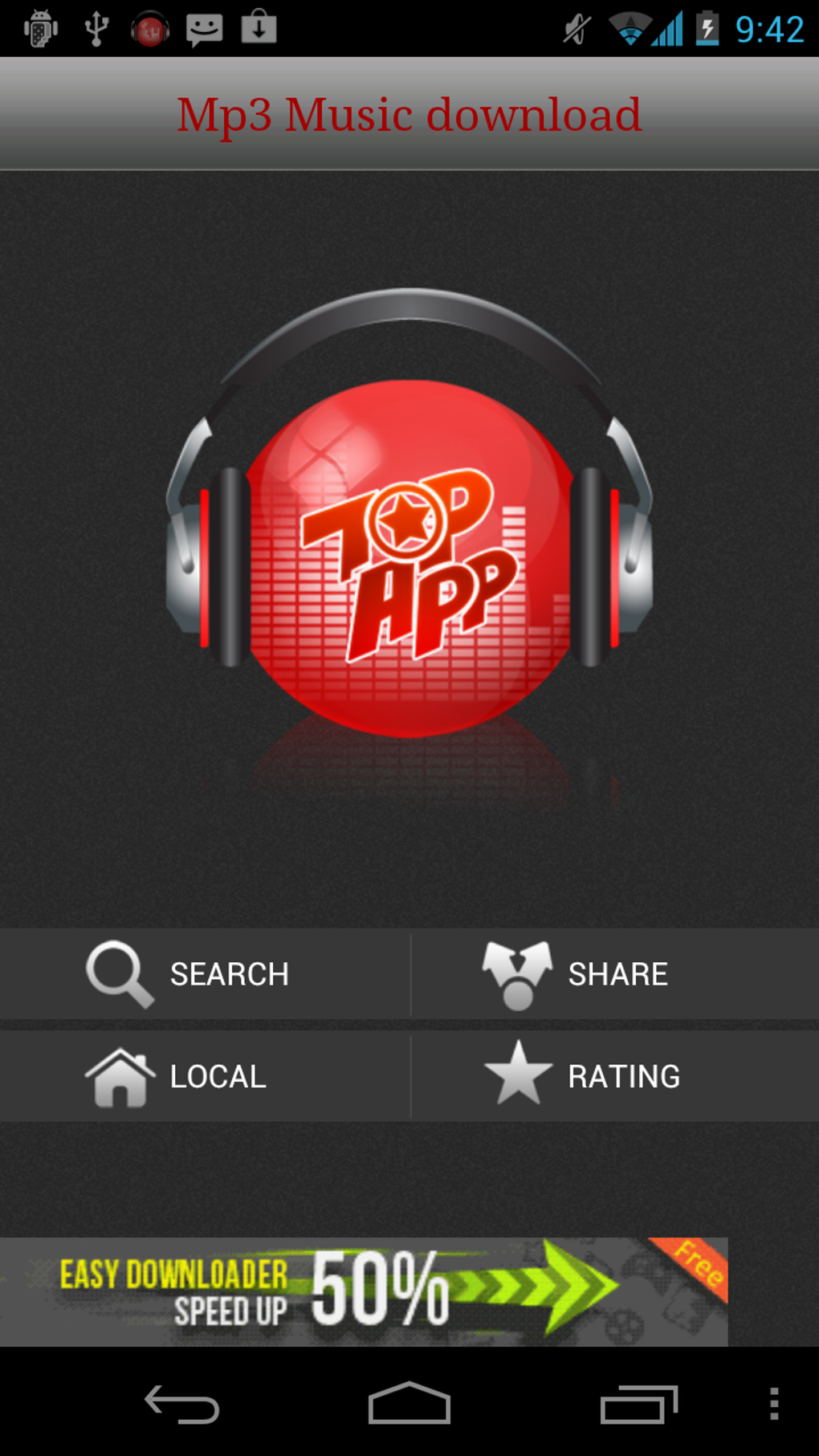
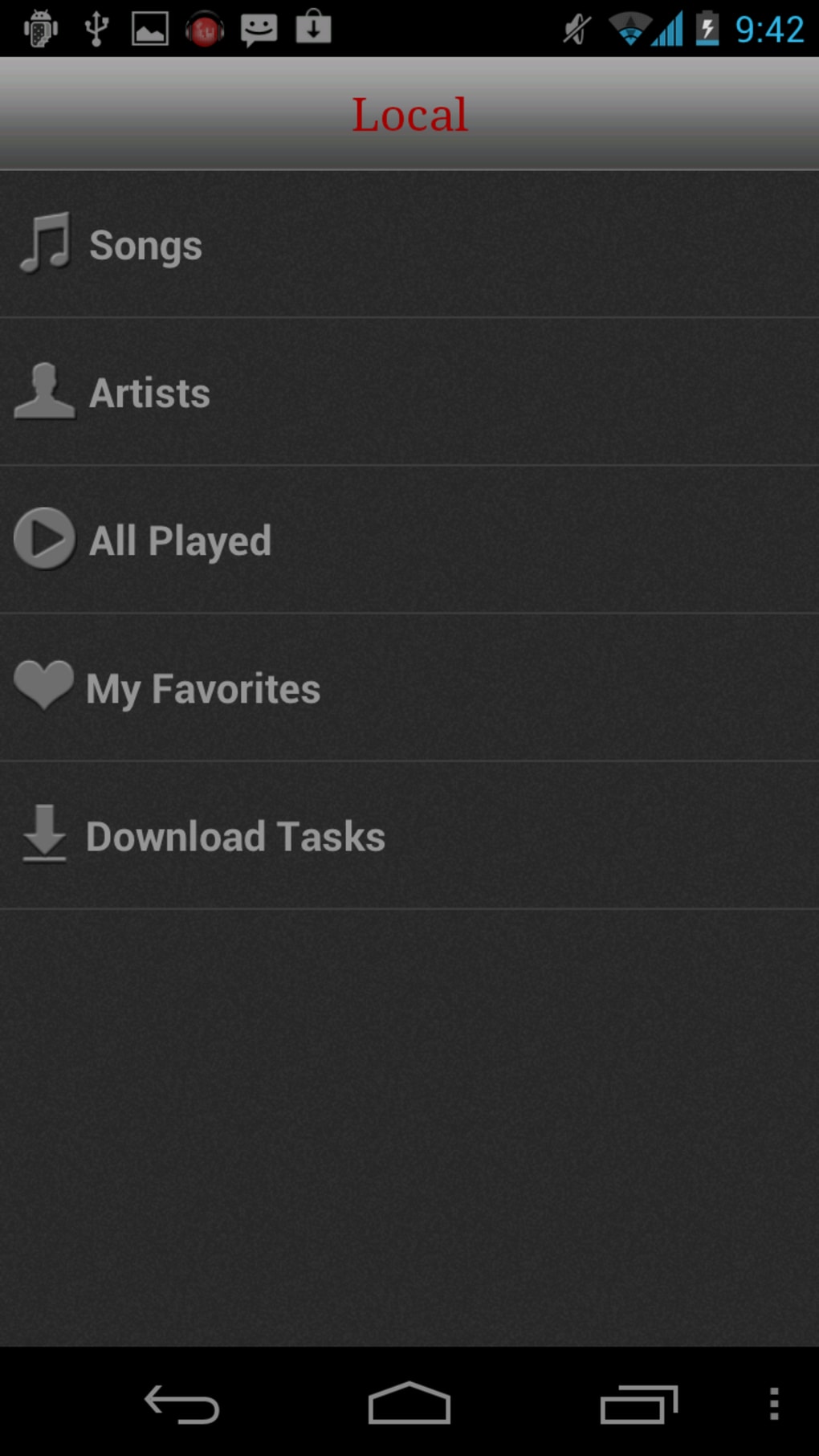
The user interface of MP3 Music Download Super is straightforward, with a focus on simplicity and immediate access to core functions. Navigation is linear, centered around a search bar, playback controls, and a results list. The layout prioritizes usability over customization, making it accessible to novice users who may not have experience with music software.
Workflow efficiency is moderate. Users can initiate a search, stream a track, and download it with minimal steps. However, the absence of playlist creation, tagging, or file organization tools reduces the software’s long-term utility for managing a personal music collection. The app does not provide detailed performance metrics or resource usage data. The developer did not specify CPU or RAM behavior, so performance observations are based on general software behavior patterns.
Stability appears to be acceptable for basic use, but the high volume of advertisements may interfere with smooth operation. Some users may experience interruptions during playback due to ad pop-ups or forced app redirects. The software’s performance is likely dependent on internet speed and server availability, as streaming relies on external sources. No information was provided regarding crash frequency, update intervals, or background processes.
Compatibility & System Requirements
MP3 Music Download Super is compatible with both Windows and Mac operating systems. The software version is listed as 1.0, with an installation size of 45.6 MB. This relatively small footprint suggests minimal storage requirements, making it suitable for devices with limited disk space.
Exact system requirements were not listed. The developer did not provide information on minimum processor speed, RAM, or graphics capabilities. Compatibility with older operating system versions is not confirmed. Users should ensure their system meets general desktop application standards for running third-party software. The application does not require administrator privileges for installation, which simplifies deployment on shared or restricted machines.
Pros and Cons
Pros
- Free to download and use with no subscription required
- Simple, intuitive interface suitable for beginners
- Supports both streaming and offline downloading of music
- Available for both Windows and Mac platforms
- Quick access to a broad range of popular artists
Cons
- Heavy reliance on advertisements that may disrupt user experience
- Limited search accuracy for lesser-known or international artists
- No options for adjusting streaming quality or download location
- Lacks advanced library management features like playlists or tagging
- Music sorting appears inconsistent and disorganized
FAQ Section
Is MP3 Music Download Super safe to download and use?
The software is available for free and does not contain known malware. However, due to its reliance on third-party music sources and frequent advertisements, users should exercise caution when clicking on in-app links. It is recommended to use antivirus software and avoid downloading additional apps from promotional pop-ups.
Can I use MP3 Music Download Super offline?
Yes, users can download songs for offline listening. Once a track is saved, it can be played without an internet connection, making the app suitable for travel or areas with poor connectivity.
Does the app support high-quality audio streaming?
There is no information provided about audio quality settings. The quality of streamed tracks may vary depending on the source and internet speed. Users cannot adjust or control the bit rate or format of the audio output.
How often does MP3 Music Download Super update?
The release date is listed as June 15, 2023. No information was provided about update frequency or future development plans. Users should check the official source regularly for new versions.
Is MP3 Music Download Super available for mobile devices?
While the app is designed for desktop use on Windows and Mac, it is noted that the developer promotes other apps on the Google Play Store. This suggests the existence of a mobile counterpart, though it is not confirmed as part of the current desktop software offering.
Final Thoughts + CTA
MP3 Music Download Super offers a no-cost entry point into online music streaming and downloading, ideal for users who value simplicity and immediate access over advanced features. Its core functionality—searching, streaming, and downloading music—works reliably for popular artists, though it falls short in customization, organization, and audio control. The heavy ad presence and lack of sorting logic may hinder the experience for more experienced users.
For casual listeners who don’t mind intrusive ads and are looking for a basic music player without a subscription, MP3 Music Download Super can serve as a functional tool. However, those seeking a robust music library, high-quality playback, or privacy-focused software should consider alternative desktop applications.
Download MP3 Music Download Super now
Guides & Tutorials for MP3 Music Download Super
How to install MP3 Music Download Super
- Click the Preview / Download button above.
- Once redirected, accept the terms and click Install.
- Wait for the MP3 Music Download Super download to finish on your device.
How to use MP3 Music Download Super
This software is primarily used for its core features described above. Open the app after installation to explore its capabilities.
User Reviews for MP3 Music Download Super 0
No reviews found





